FeaturesA guided tour of the CloudTalk workspace.
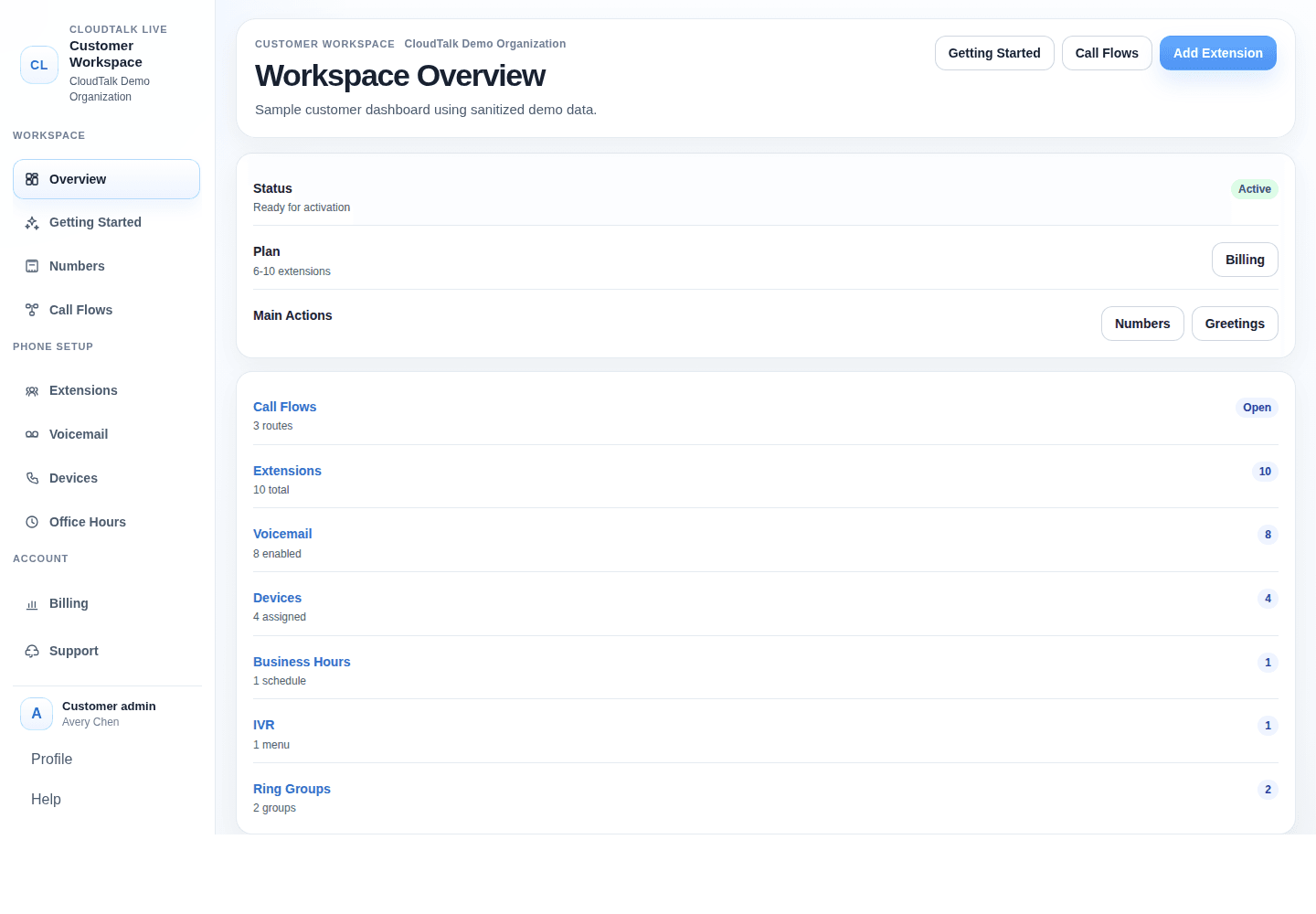
CloudTalk is not a pile of disconnected phone features. It is one connected workspace for the caller experience: who answers, when calls ring, where voicemail goes, which phones are assigned, and what changes after go-live.
One connected workspace
One connected workspace keeps routing, hours, users, phones, voicemail, and activation visible together.
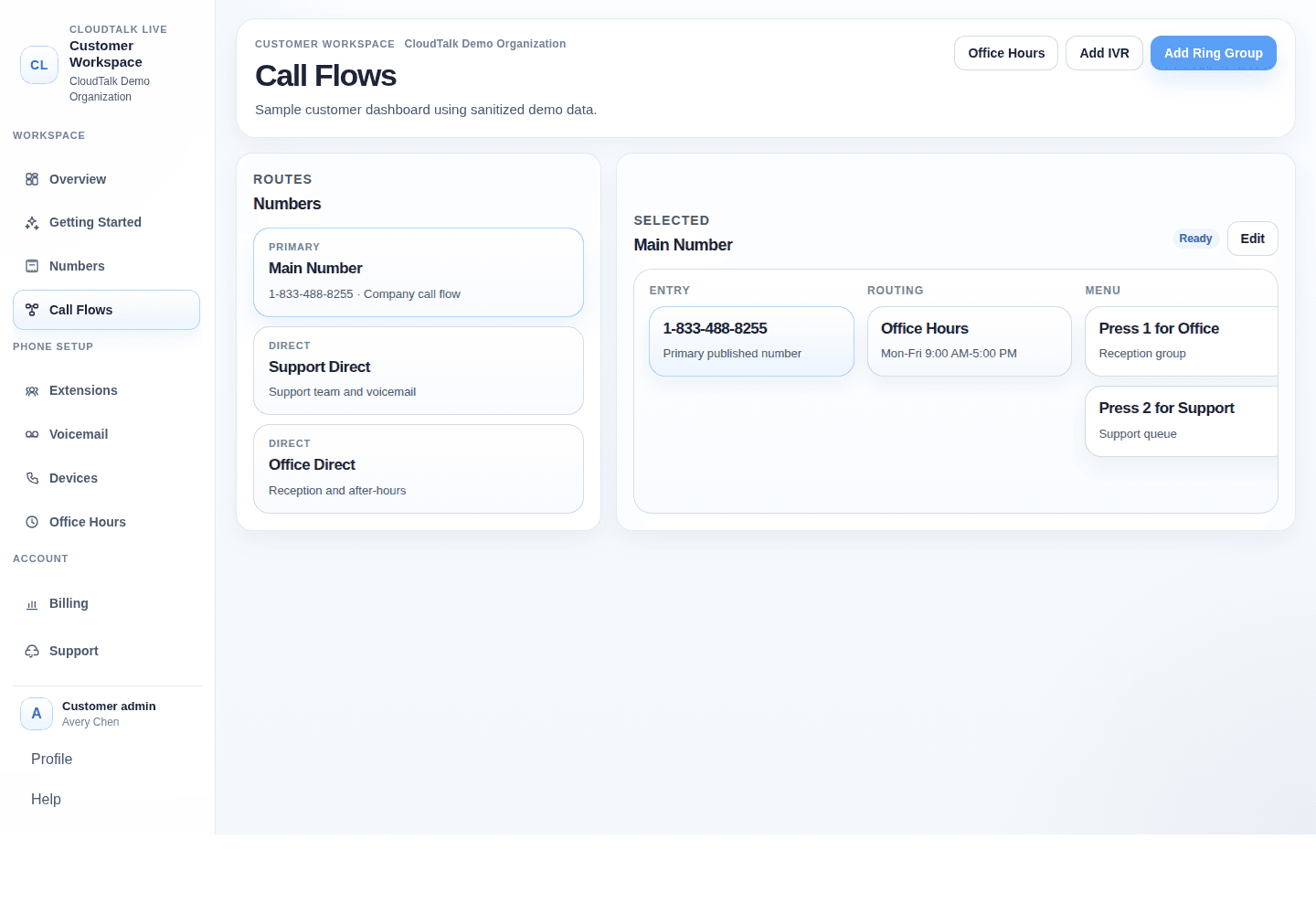
Call routing
Choose where calls go without decoding carrier language.
- Main numbers and direct numbers
- Open-hours and after-hours paths
- Menus, groups, people, and voicemail
Why this matters: the first caller experience stays organized even when staff and hours change.
Use case: route the main line to reception during office hours and voicemail after closing.
Users and extensions
Keep staff, shared roles, and direct extensions in one place.
- Direct extensions
- Shared office roles
- Softphone and desk-phone users
Why this matters: new staff or role changes do not require a full phone-system rebuild.
Use case: add a new admin extension and assign it to the right phone or softphone.
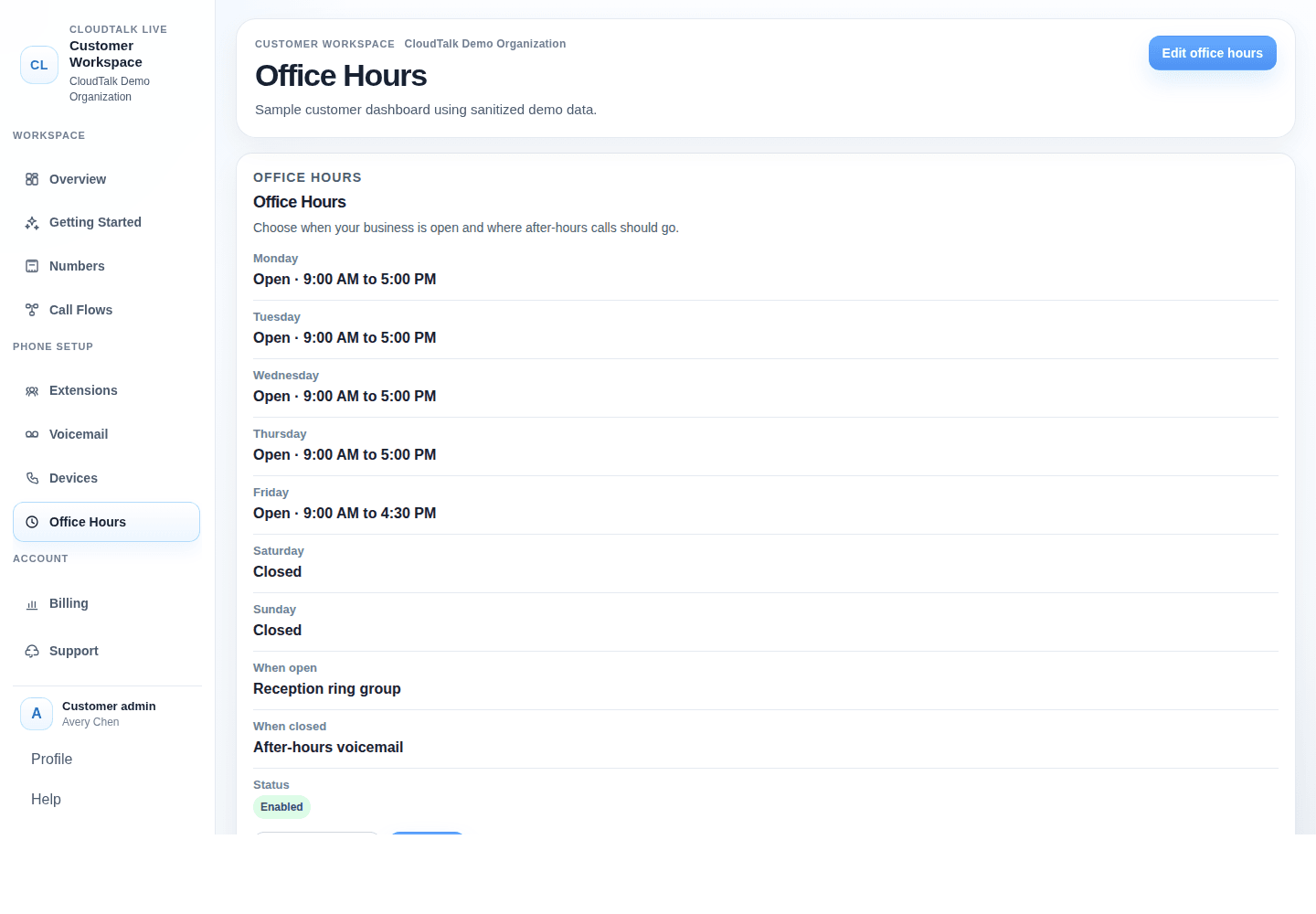
Hours, menus, and voicemail
Make the organization sound ready even when the office is closed.
- Weekly schedules
- Caller menu options
- Voicemail-to-email
Why this matters: callers get a clear next step instead of a dead end.
Use case: update holiday hours and send urgent calls to the correct mailbox.
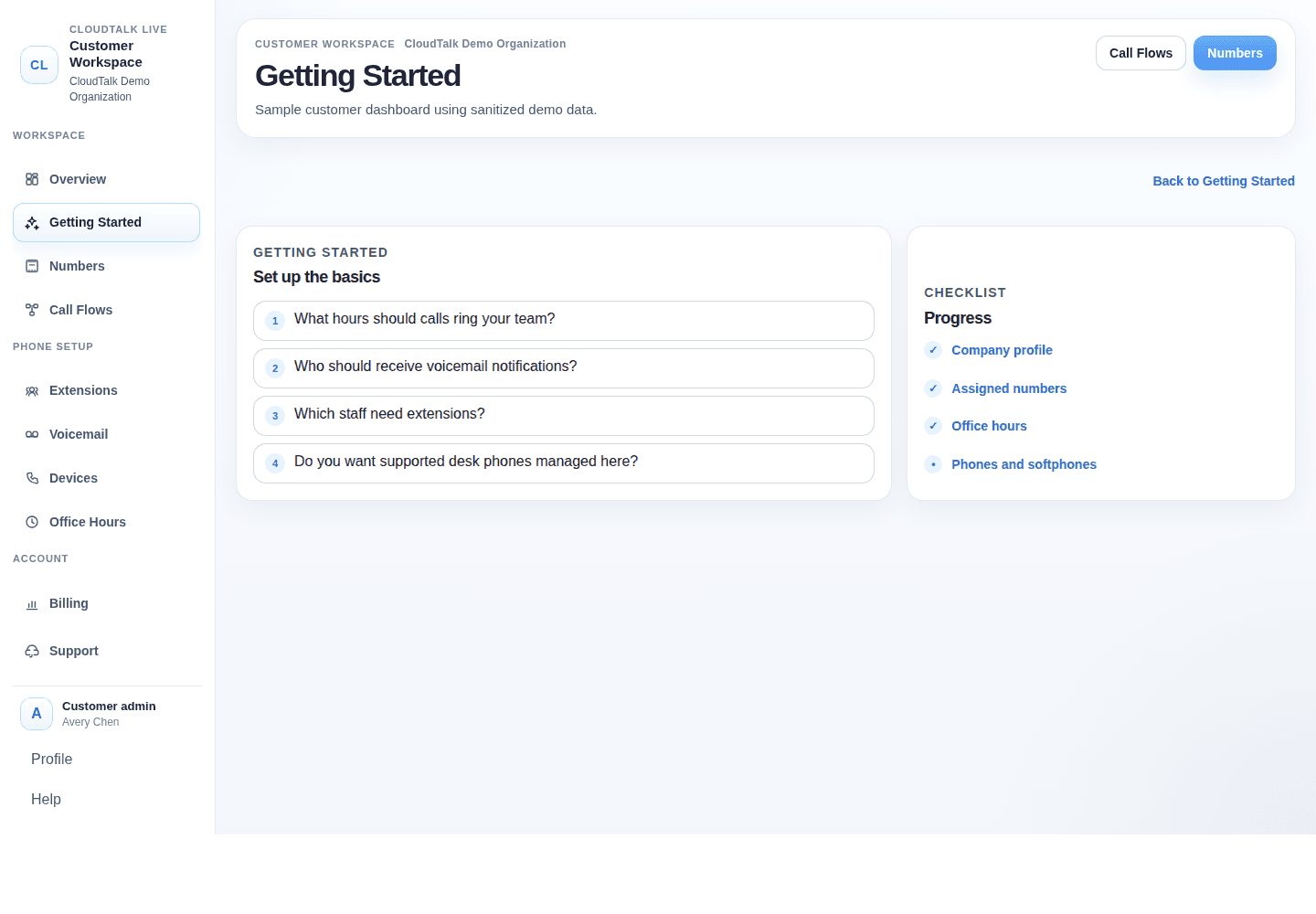
Activation checklist
See what still needs attention before service goes live.
- Setup progress
- Monthly estimate
- Go-live readiness
Why this matters: switching feels less risky when the details are visible.
Use case: confirm numbers, users, routing, and phones before porting completes.
Phones and softphones
Use standards-based phones, softphones, or a mix that fits how your team works.
- Compatible desk phones
- Softphone users
- Grandstream management add-on
Why this matters: reception desks, mobile staff, and owners can each use the right tool.
Use case: keep a desk phone at the front office and softphones for mobile team members.
Founder-led support
Get guidance from people who understand the setup behind the phone number.
- Guided switching
- Plain-English help
- Ongoing relationship
Why this matters: support is not transactional after the invoice is signed.
Use case: talk through a seasonal routing change instead of guessing which setting matters.
Want to see the workspace with your own call flow in mind?
Book a demo and Mark will walk through how your numbers, hours, phones, and people would fit together.